
Precise Gauge, Raw/Cooked, Micros & 1-Click
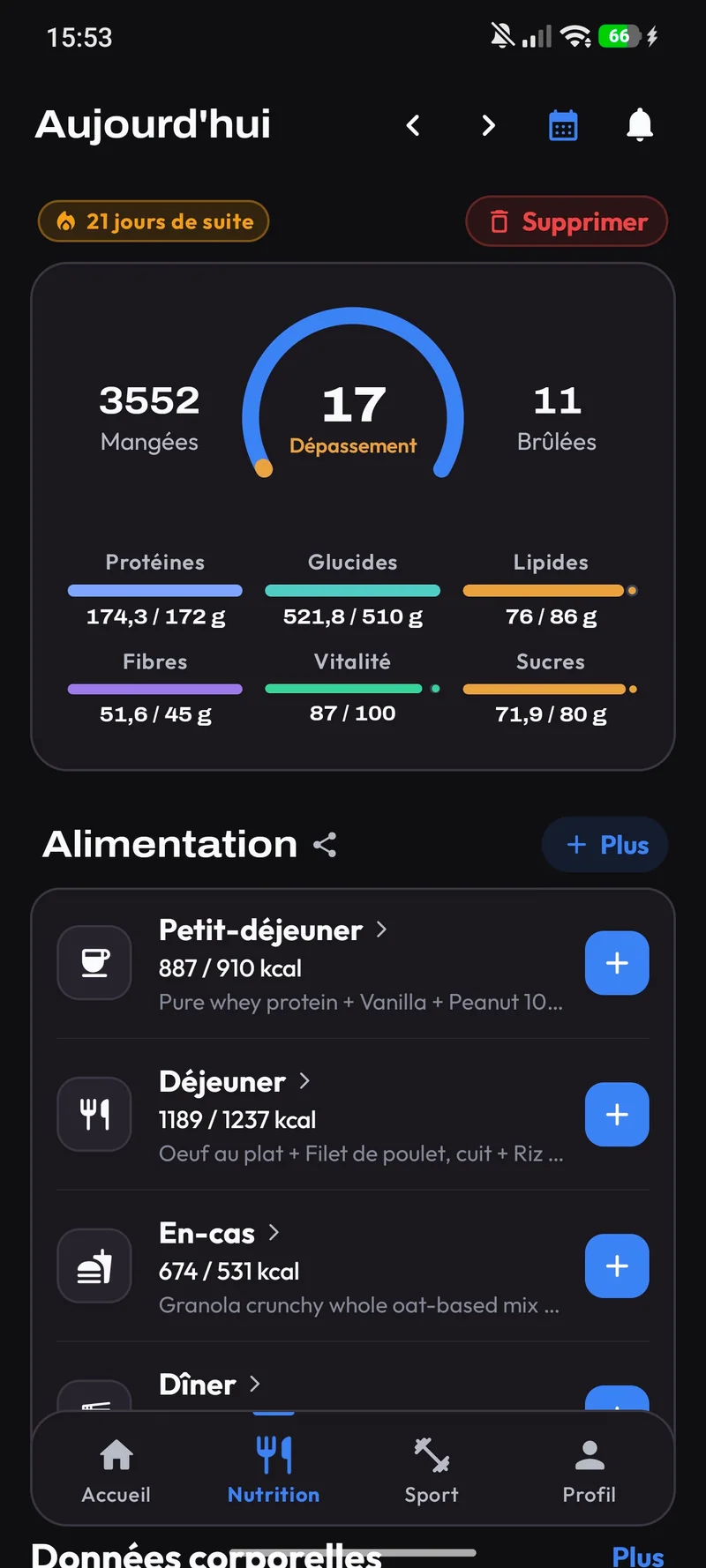
Track eaten, remaining, exceeded, and burned kcal (workout + steps). Inspect macro contributors and vitamins in 1 click, and weigh raw or cooked.
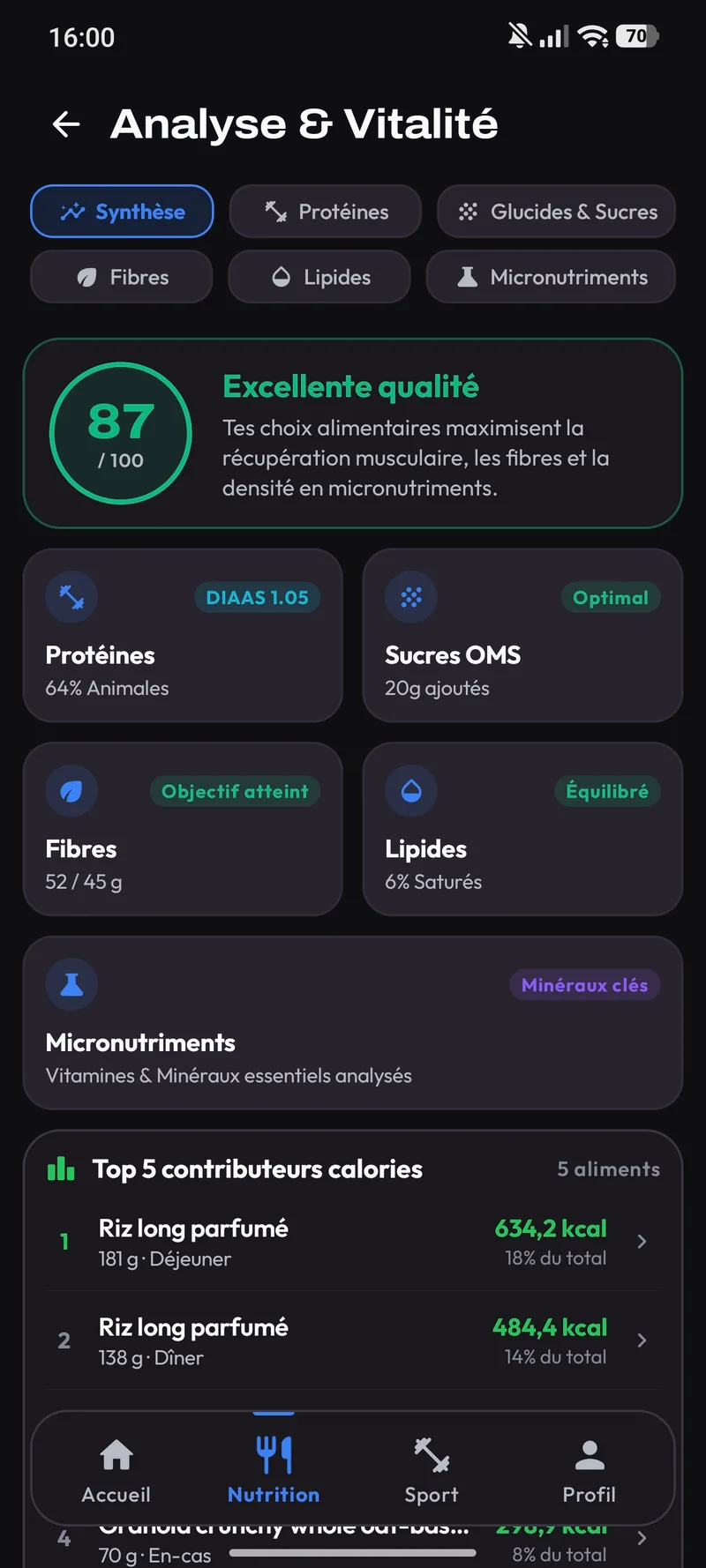
Complete gauge, contributors, and vitamins
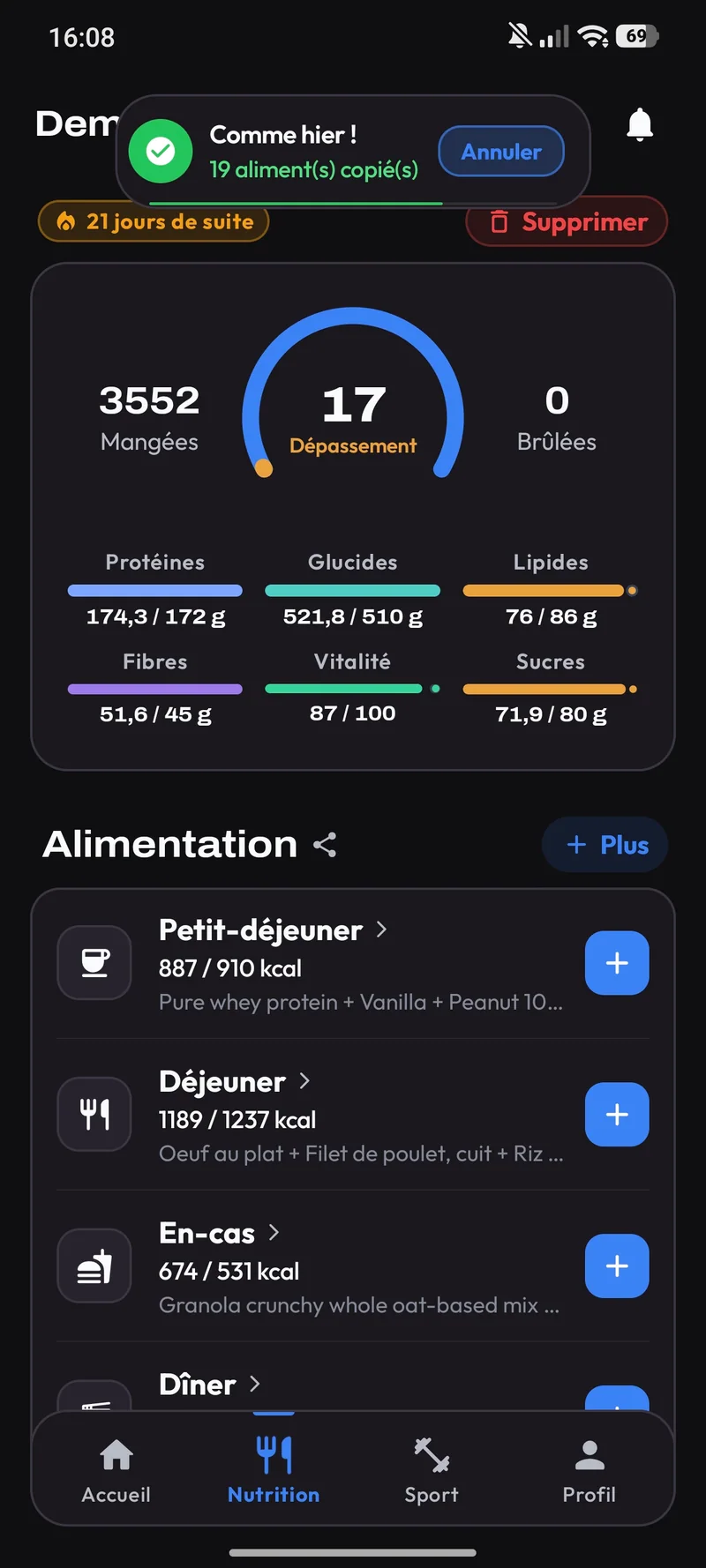
See what you ate, what's left, or if you exceeded. In 1 click, view the top foods contributing to your protein (DIAAS), carbs, sugars, fiber, fats, and micronutrients.
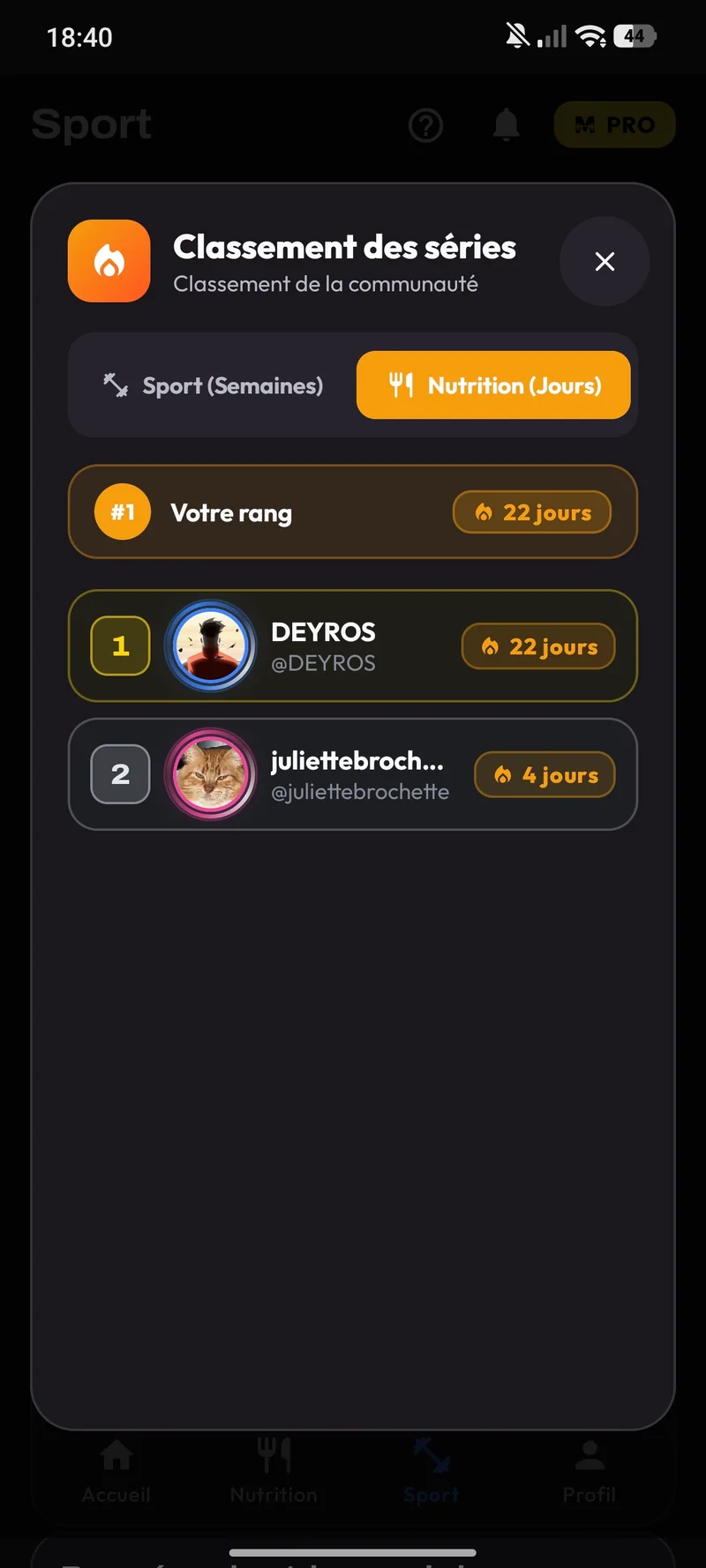
Raw / Cooked & Batch Cooking, 2 Plan Modes & Supplement Alerts
Built for real-life meal prep: weigh your food raw or cooked, adapt your daily kcal to your expenditure, and never miss a supplement.
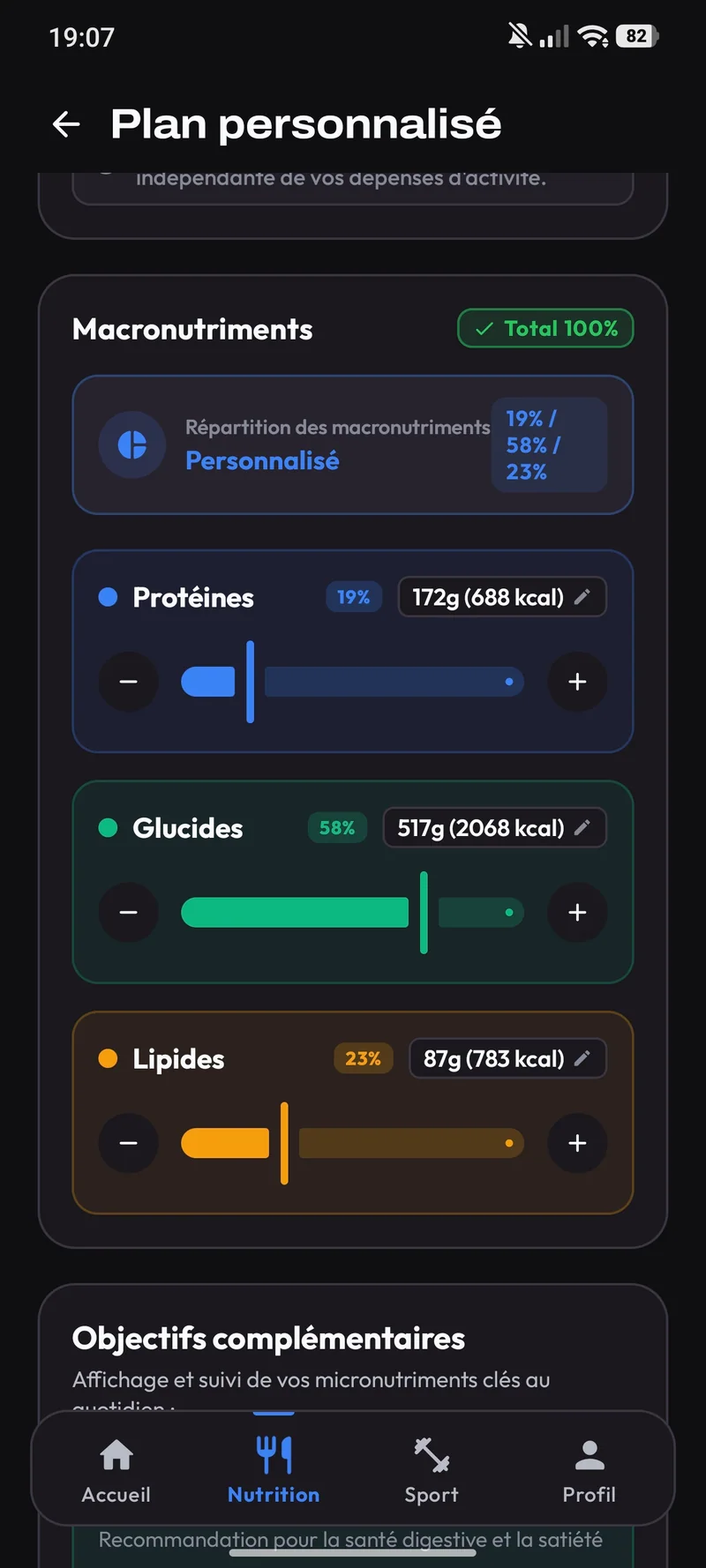
Custom global and per-snack macros
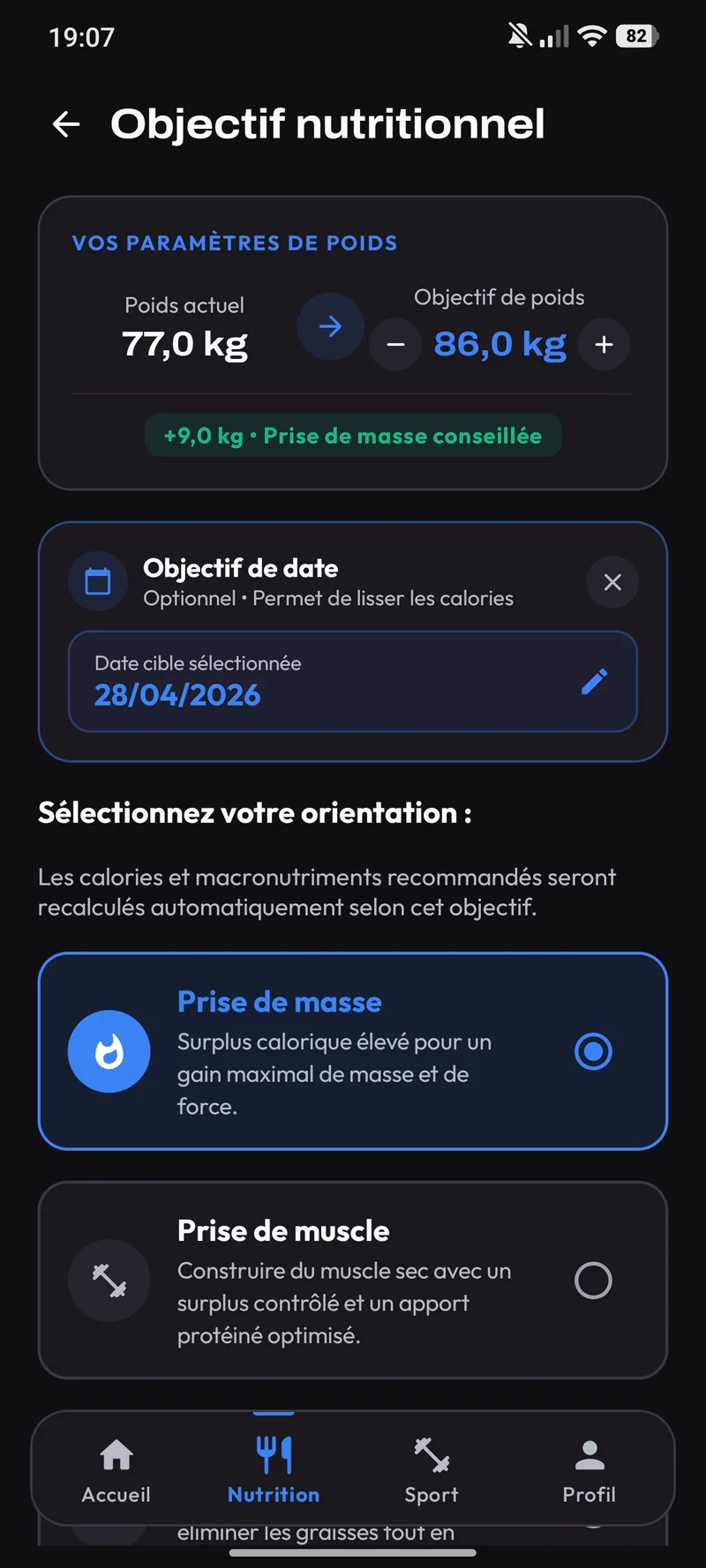
Melo adapts your kcal to your goal. Fine-tune global and per-meal macros, and freely create, rename, move, or delete snacks.
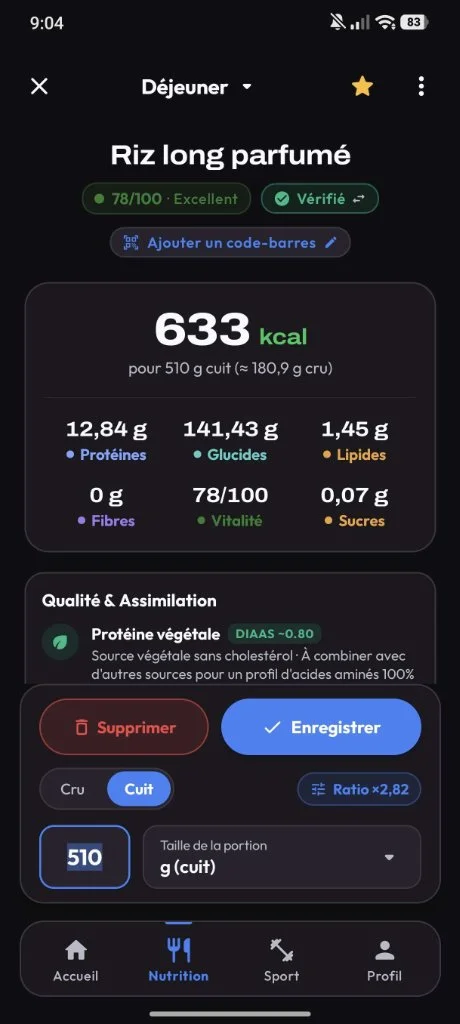
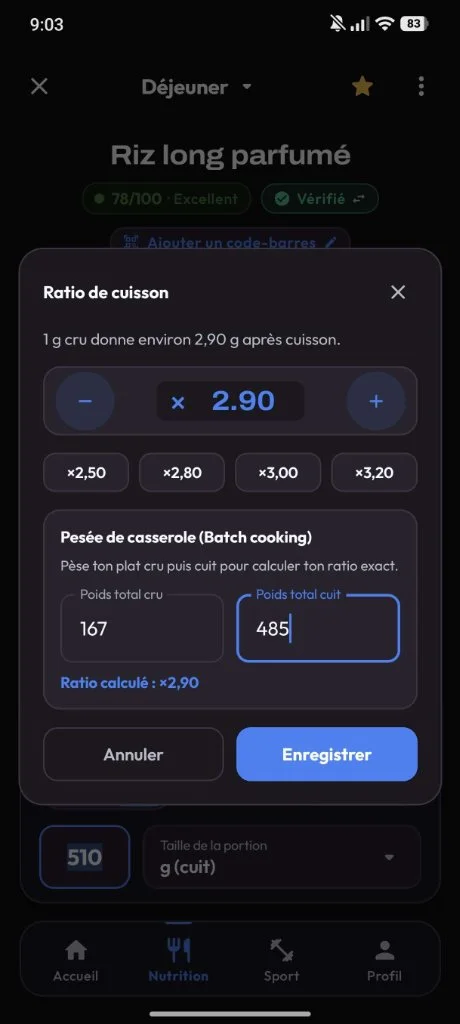
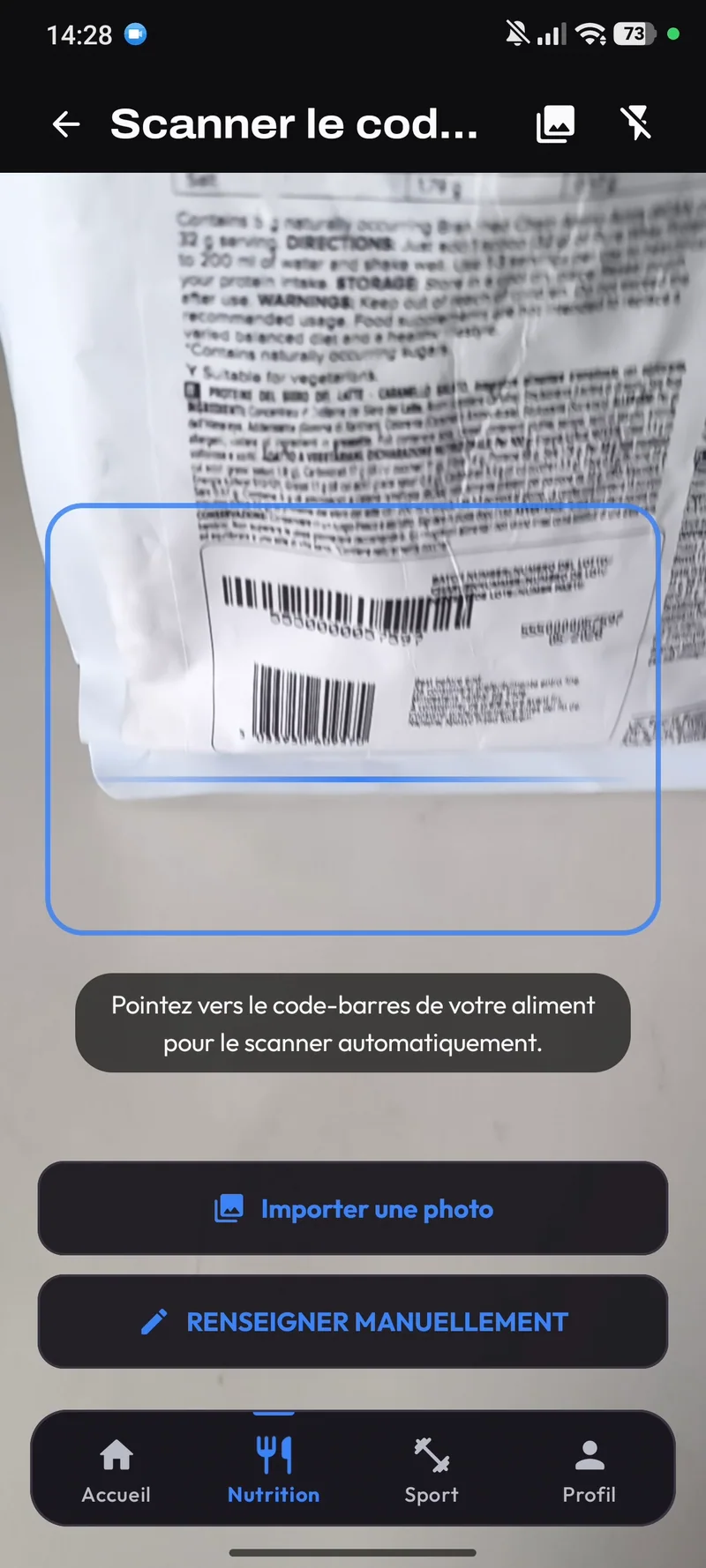
Cooking ratio, /100 score, and free scan
Enter foods raw or cooked and create your own cooking ratio. Check the /100 score, additives, pros and cons, or scan barcodes and labels.
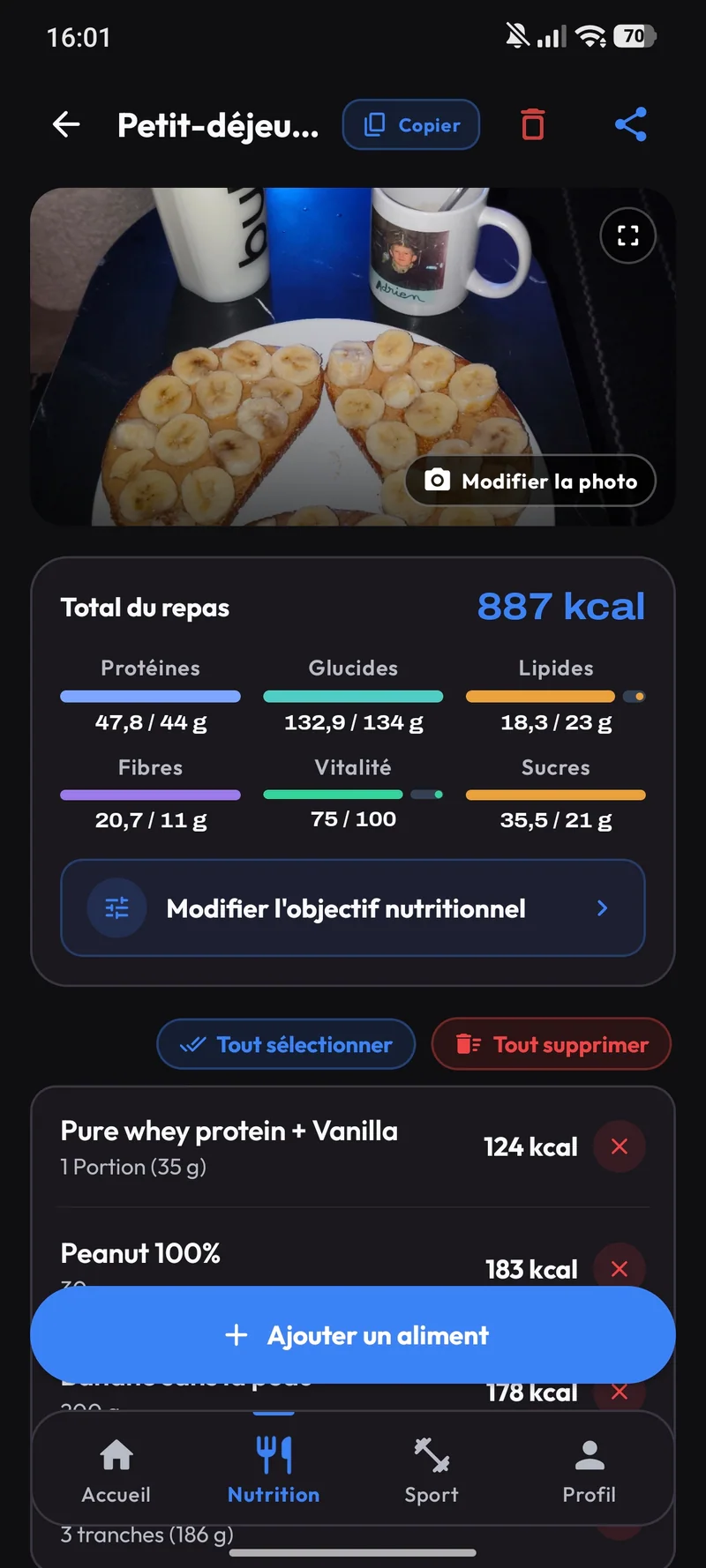
1-click copy yesterday, recipes, and sharing
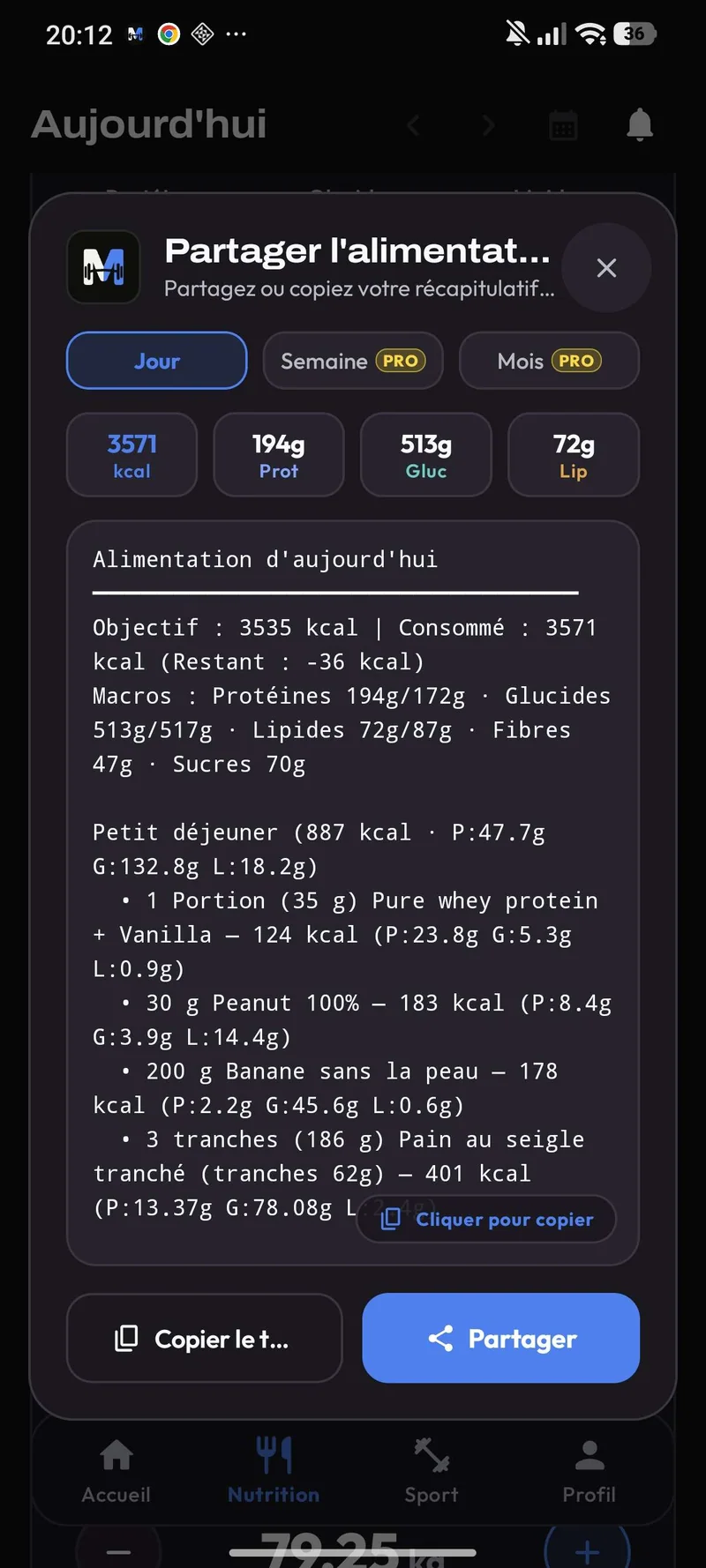
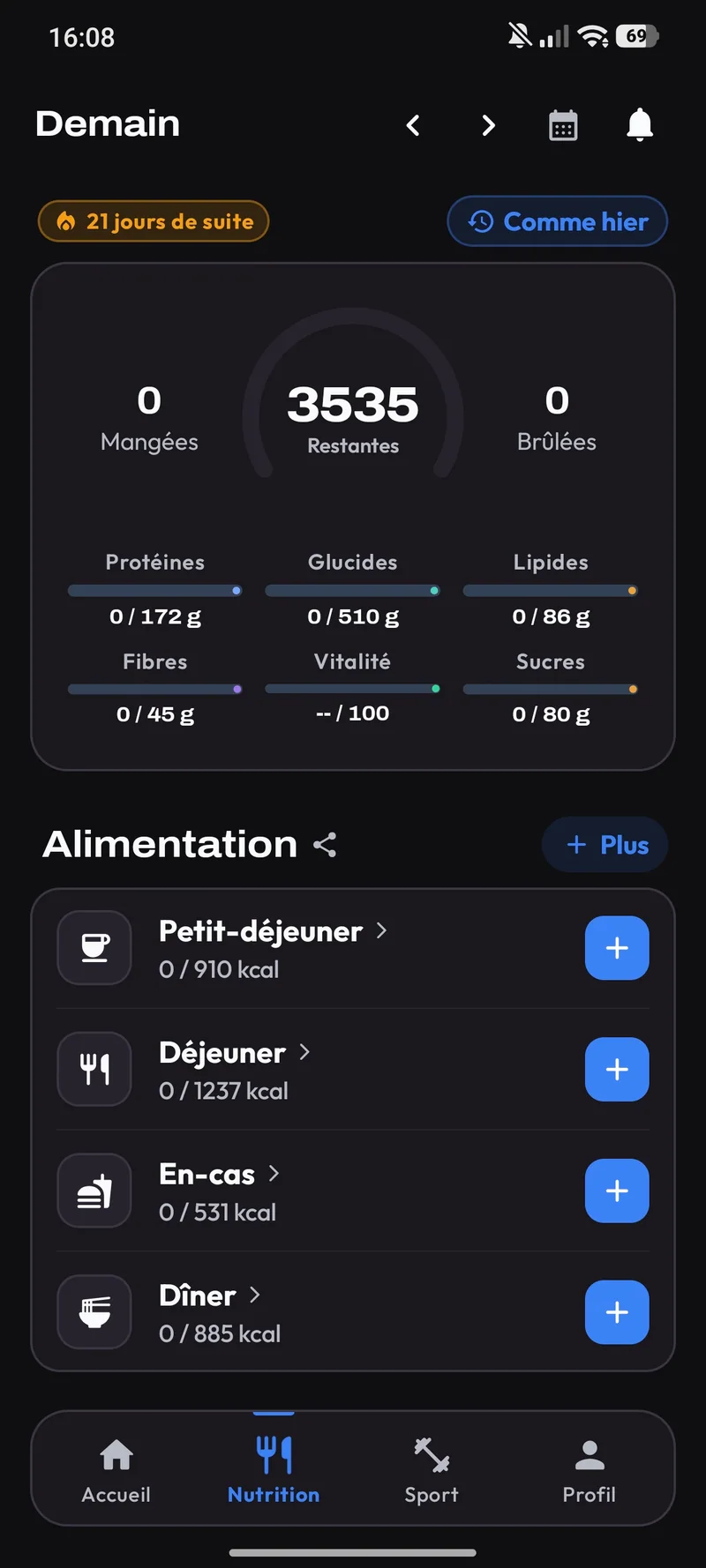
Copy a previous day ('Copy Yesterday') or repeat your last meal in 1 click. Build custom recipes and share your meals with friends or on social media.
Frequently asked questions about Melo Nutrition
How does the Raw / Cooked ratio work?
Toggle between Raw and Cooked on the food page: Melo converts the weight automatically and lets you create your own custom cooking ratio.
What is the difference between Fixed and Dynamic Mode?
Fixed Mode keeps the same daily target. Dynamic Mode automatically increases your calories to eat based on kcal burned from your workout and steps.
How do supplement alerts work?
Create unlimited supplements and set an alert at an exact time (e.g., 22:00) or X minutes after finishing your workout.
Ready to have everything in one place?
Smart workouts, gram-accurate nutrition, and a motivated community.